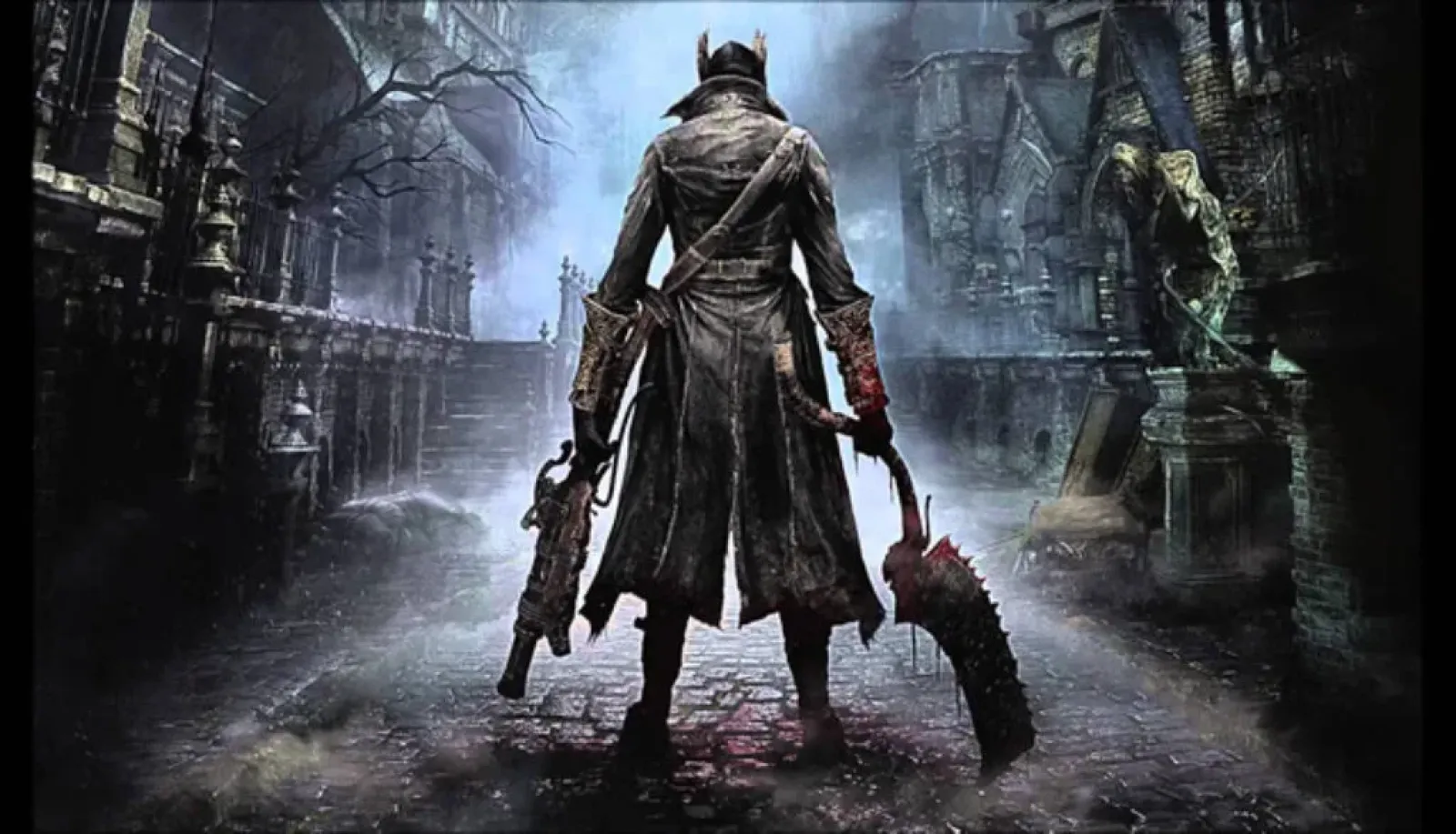
Many will agree that among the best titles of the last generation, especially from Sony's first-party production, From Software's gothic RPG title Bloodborne stands out. With a score of 92 on Metacritic, Bloodborne is regarded as one of the best games in the notoriously difficult “souls” genre, and unfortunately, it has long been a thorn in the side of PC gamers because, unlike most of Sony's exclusives, it remained locked on the old PlayStation 4, and that was the only way to play it. What is bizarre is the fact that despite numerous rumors, we have never seen any form of remaster or any patch for PlayStation 5, where the game is still locked at 30 frames per second, in Full HD resolution with very poor frame pacing and long loading times. This was the only way to play Bloodborne for many years, but things have drastically changed in the last two years, thanks to the PlayStation 4 emulator for PC called ShadPS4.
In August 2024, ShadPS4 was finally able to run Bloodborne, albeit at a very low framerate with a multitude of graphical issues, this was a good sign for what is to come in the future. Almost two years later, we have reached a point where Bloodborne is not only fully playable on the emulator but can also be played at a resolution and with performance far superior to Sony's consoles. In the rest of the text, I will briefly explain how to set up the ShadPS4 emulator to play Bloodborne, but it is important to note that this emulator is still in active development, and things often change, so for the most accurate and up-to-date advice and tutorials, we recommend checking the official Discord server of the ShadPS4 emulator.
You can obtain the latest version of the ShadPS4 emulator by downloading the QT Launcher for your operating system from the official site shadps4.net, and unpacking it into your desired directory on your computer. Within the emulator itself, you will go to Version Manager and download the latest pre-release (nightly) version of the emulator. Also, if everything is working properly, we do not recommend regularly updating the emulator, but only as needed. You do not need to manually configure the controller, as ShadPS4 automatically recognizes controllers and sets everything up itself. We do not recommend playing on a keyboard.
Next, you will, of course, need the game itself, as well as the 1.09 update for the game, which is necessary for stable gameplay. If you own the Game of the Year edition of Bloodborne, you will not need the update as it is already integrated within the disc.
NOTE: Downloading Bloodborne, or any other game from the internet is piracy and a criminal offense. You can legally obtain the game by purchasing the disc and transferring it to PC using a “modded” PlayStation 4 console.
After you have “inserted” the game into the emulator, you need to open settings and in the Experimental section check the options Enable Shader Cache, Enable Devkit Console Mode and increase the Additional DMem Allocation setting to 6000MB. Save the settings, and right-click on Bloodborne to open the Cheats/patches tab, where you will download the latest patches from the shadPS4 file. There are many patches available, and we recommend that you experiment with them until you get the experience that suits you personally. The patches that I personally use and recommend you enable are the following:
Skip Intro
Disable Chromatic Abberation
Disable Motion Blur
Intel 12th Gen+ SFX Workaround (If you are using an Intel processor)
Intel Black Tonemap Fix (If you are using an Intel processor)
60FPS++
Patch for the desired resolution, in my case 2560x1440
Save everything, and double-click on Bloodborne to start the game. Congratulations! You can now officially become a monster hunter on the ultimate gaming platform. But how does all this actually work, and how demanding is it? On my setup, which consists of an Intel Core i5 12400F processor and an Nvidia GeForce RTX 3060 Ti graphics card, I can achieve nearly stable 60 frames per second at 2k resolution, which is a huge leap compared to the console gaming experience. It is important to note that during the first gameplay, you will experience stutters while loading shaders, but they will disappear over time.
I first played Bloodborne on PlayStation 4, and after playing it on the emulator, I simply cannot go back to the console. The experience is incomparably better, with smooth performance and high resolution, and it is completely unbelievable to me that Sony leaves this title to rot without any official remaster.
Note: In this article, we mention the possibilities of emulation and using game backups. Virus.hr does not support or promote piracy. All information pertains solely to the use of personal backup copies of legally purchased games from one's own collection. Downloading and distributing unauthorized copies constitutes a violation of copyright and law.